

In today’s digital world, staying connected while traveling is easier than ever, but it also comes with increased risks. Cybercriminals often target travelers because they frequently use public Wi-Fi, rely on unfamiliar networks, and store sensitive information on multiple devices. Whether you’re booking flights, checking hotel confirmations, or navigating a new destination, safeguarding your data is essential for a stress-free trip. This guide breaks down the smartest, most effective ways to protect your privacy so you can explore the world with confidence.
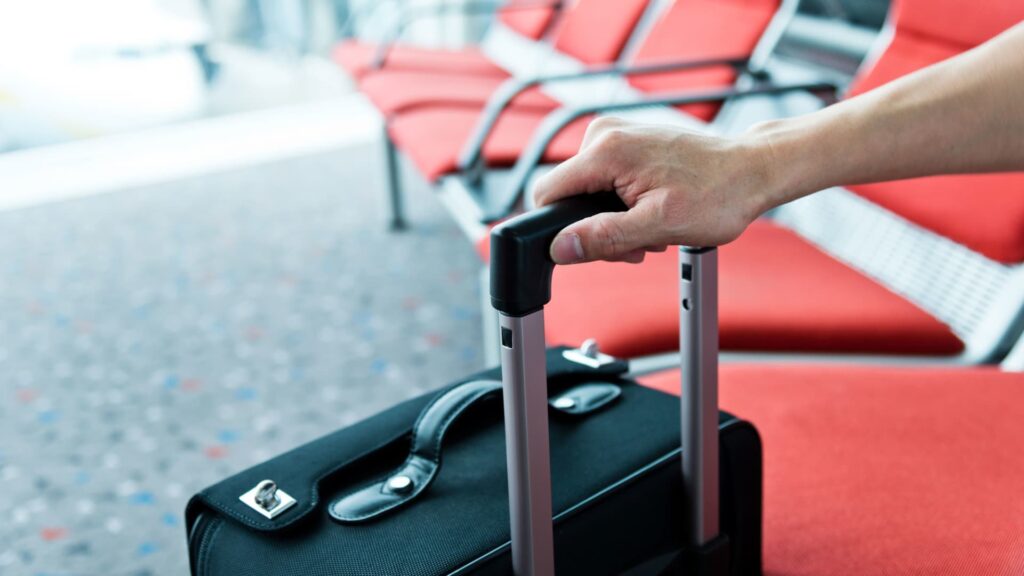
Travelers often underestimate how vulnerable their devices become once they leave their home environment. Airports, cafés, hotels, and even airplane Wi-Fi present several security loopholes that hackers exploit. Something as simple as connecting to the wrong network can expose your passwords, banking details, or personal conversations. Understanding these risks is the first step toward creating a solid digital defense while on the go.
Additionally, with the rise of e-tickets, mobile banking, and digital wallets, your smartphone has become an all-in-one travel companion, and a prime target. A single compromised device can ruin an entire trip, from identity theft to unauthorized purchases. That’s why it’s crucial to prioritize digital hygiene just as much as packing your luggage or planning your itinerary.
1. Use Secure Connections Only
Public Wi-Fi is convenient, but it is also one of the biggest threats to your privacy. Avoid accessing sensitive accounts like banking or business email on open networks. If you must use public Wi-Fi, always connect through a Virtual Private Network (VPN), which encrypts your internet traffic and prevents hackers from intercepting your data. Many reputable VPN apps offer “auto-connect” features that protect you instantly whenever you join a new network.
2. Keep Your Devices Updated
Before you travel, update your smartphone, tablet, laptop, and apps. Manufacturers release security patches that fix vulnerabilities cybercriminals exploit. Turning on automatic updates ensures you stay protected throughout your journey. Don’t forget to update your antivirus software too — it’s your first line of defense against malicious attacks.
3. Enable Multi-Factor Authentication (MFA)
MFA adds an extra layer of security by requiring you to confirm your identity through a second method, such as a verification code or fingerprint. Even if someone steals your password, they still can’t access your accounts without the second factor. Make sure your most important accounts — email, banking apps, and travel-related platforms — have MFA enabled before your trip.
4. Be Mindful of What You Share Online
As tempting as it is to post real-time photos from the airport or share your travel itinerary, doing so can attract scammers and thieves. Avoid publicly revealing your location or travel dates until after you return. Oversharing can alert criminals that your home is empty or encourage phishing scams tailored to your activities.
5. Back Up Your Data
Losing your device can feel like a nightmare, especially if it contains important documents, photos, or work materials. Before you travel, back up your data to the cloud or an encrypted external drive. This ensures you can recover your information even if your device gets lost, damaged, or stolen.
6. Use Strong Passwords and a Password Manager
Weak passwords are easy targets. Use unique, complex passwords for each account and consider using a password manager to store them securely. This tool not only strengthens your cybersecurity but also saves you from the stress of remembering multiple logins while traveling.
7. Turn Off Bluetooth, Wi-Fi, and Location When Not in Use
Leaving your connectivity features on can expose your device to nearby cyber threats. Hackers can potentially access your device through Bluetooth or track your movement through location services. Switching them off when not needed reduces risks and also saves battery life.
8. Secure Your Physical Devices
Digital safety starts with physical security. Always keep your devices in sight and avoid leaving them unattended in public spaces. Use screen locks, biometric login, or even a travel lock for your laptop bag. If your device supports it, activate the “Find My Device” feature before traveling to help track it in case it goes missing.
Final Thoughts
Staying safe while traveling isn’t just about protecting your passport and luggage, your digital identity matters just as much. With the right precautions, you can enjoy your adventure knowing your personal data and privacy are safeguarded. At anuju.com, we care about your comfort, safety, and peace of mind both in the air and online. Travel smarter, stay secure, and explore the world worry-free.










Leave a Reply
You must be logged in to post a comment.